

API and AI agents
Esta página aún no está disponible en tu idioma.
Postbean exposes the same capabilities the app has, over two transports that share one API key and one set of permissions:
- a REST API for your own code,
- an MCP server for AI assistants — Claude, Cursor and anything else that speaks MCP.
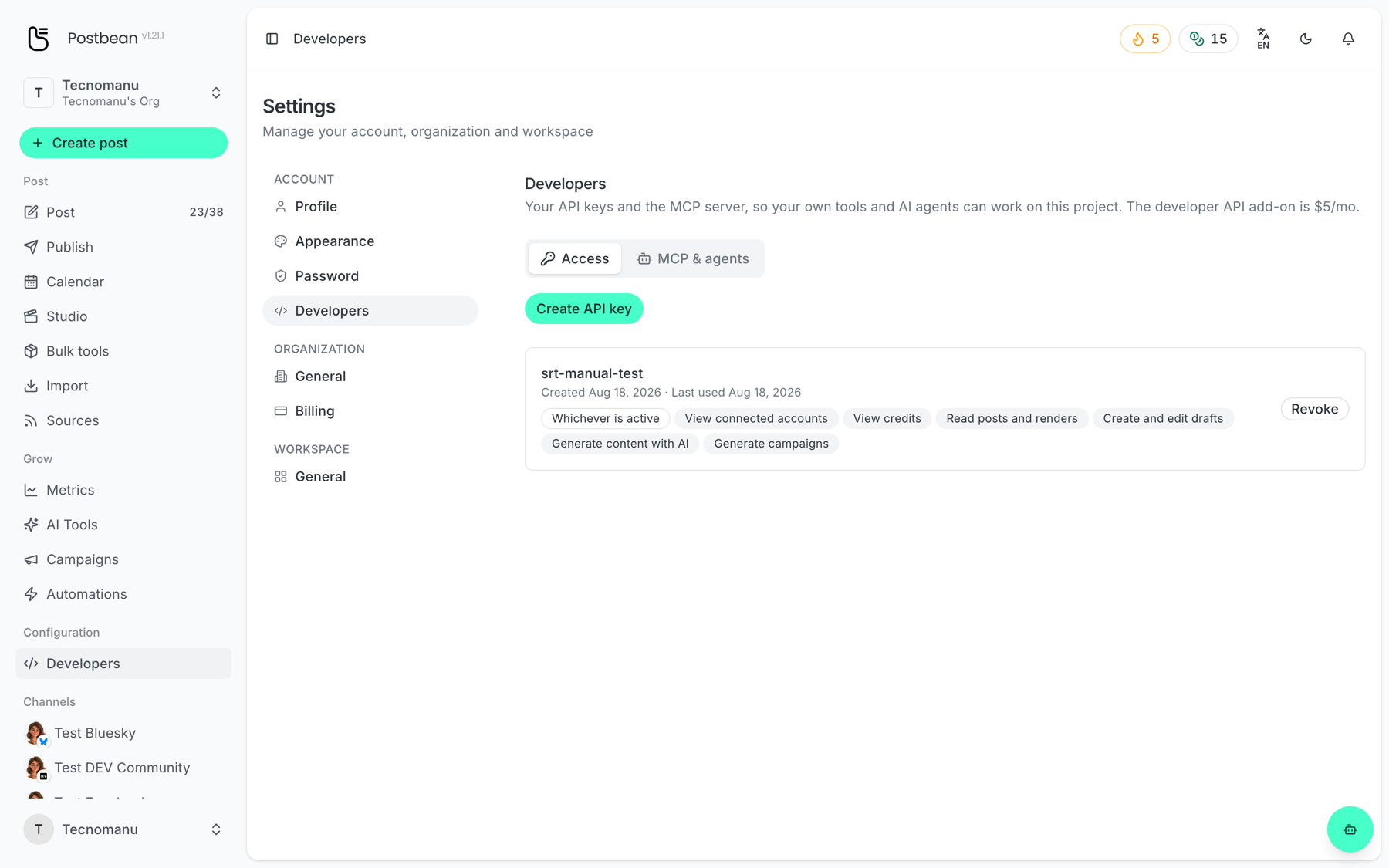
Both are the developer add-on, $5/mo on top of your plan. Turn it on and create a key in Settings → Developers (/panel/settings/developers).
Guides
Section titled “Guides”- Connect your AI agent with MCP — the fastest way in, and it covers creating a key.
- API overview, access and pricing — what the REST API covers and how to get a key.
Permissions are chosen once
Section titled “Permissions are chosen once”A key carries the permissions you pick when you create it, and they cannot be added afterwards. Give a key the narrowest set that does its job — one that writes drafts but cannot publish or delete is a genuinely useful safety net.
The same permissions apply on both transports: what an MCP tool is refused, the matching REST endpoint refuses too.
Machine-readable reference
Section titled “Machine-readable reference”Every deployment serves one at /mcp/skill.md. It is also the file you hand an AI assistant so it can set itself up.