A release announcement that reads well on LinkedIn may need a new opening for Bluesky. You have 300 characters for the main post in Postbean. Put the part worth sharing up front and give Bluesky its own version if the original needs room for more detail.
What you can publish
Postbean schedules plain text, text with one image, or a post with one video. Use a screenshot for a change readers can understand at a glance. If the change only makes sense in motion, attach the video instead. The Bluesky publisher selects one video when it finds one; otherwise, it selects the first image. It does not assemble a gallery from the remaining files. A multi-image post you prepared for Instagram won’t carry that layout across.
Postbean checks the 300-character limit before a post leaves draft. It measures text in UTF-16 units, so some symbols count as more than one. Work from the counter in the composer rather than a word count. The optional first comment is a reply from the connected account, with a separate 300-character limit. It goes out after the main post. If the reply fails to send, the main post can still be live, so don’t make the reply the only place where readers can find the announcement itself.
See it in the app
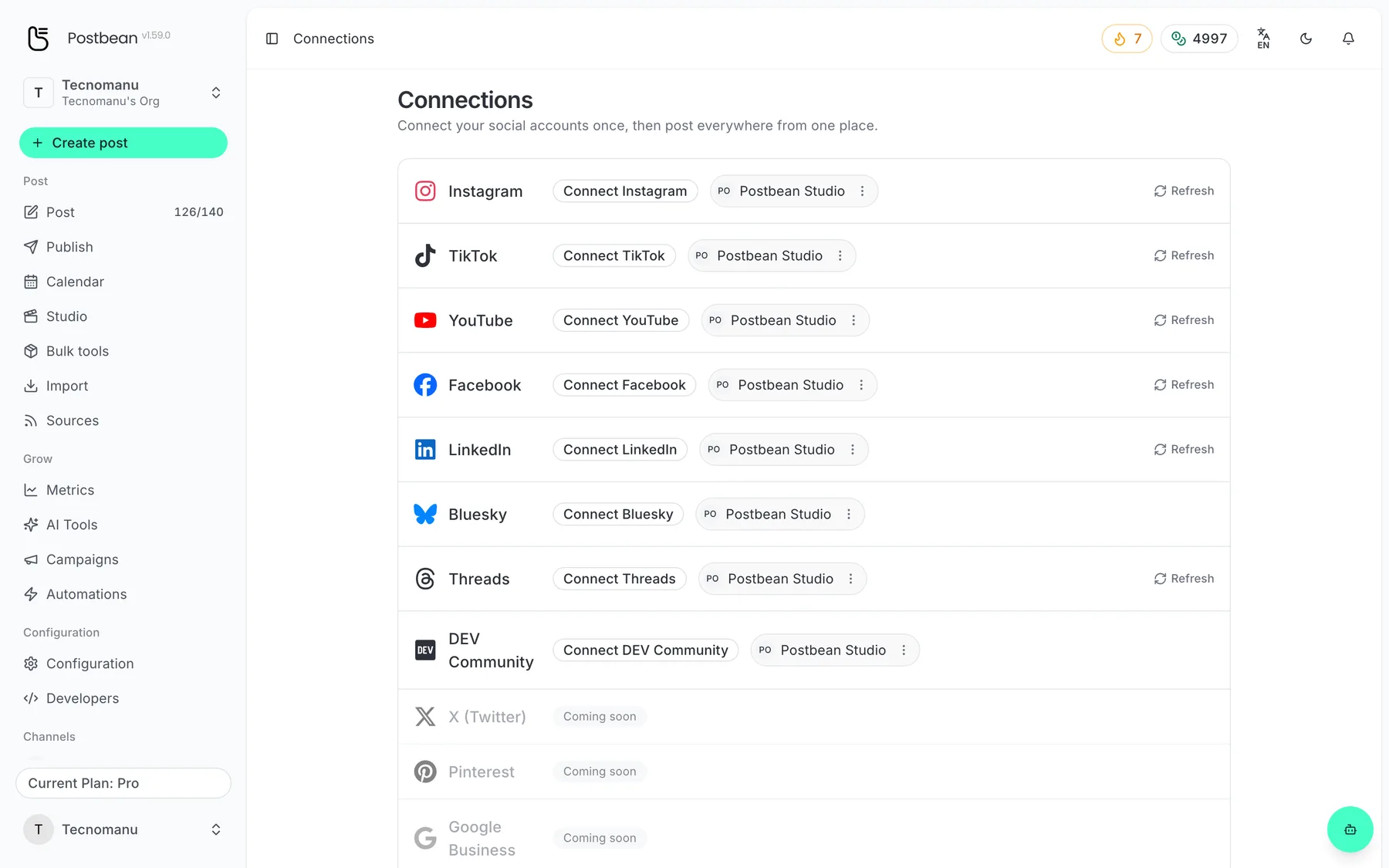
Connect each network once.
Every network in one list.
Connect your Bluesky account
- Sign in to the Bluesky account you want to publish from. Copy the full handle from that profile, including its domain. Your display name is not your handle.
- In Bluesky’s App Passwords settings, create a password for Postbean. Use an App Password, not the password you use to sign in to Bluesky.
- In Postbean, switch to the workspace that will own the connection. Open Connections, select Bluesky and enter your handle and App Password in the connection form.
- Submit the form and check the connected account shown in Postbean. The app validates the credential with Bluesky and stores the App Password encrypted. There is no approval screen to wait for on Bluesky.
If you revoke the credential in Bluesky, reconnect using a new App Password before your next scheduled post. When a video fails but text publishes from the same account, check whether you’ve verified your email address on Bluesky before treating it as a connection problem.
Schedule a post you can check quickly
For a small product release, try a draft with one screen capture and a sentence that tells people what changed. Attach only that file. If you’re using the same draft on Threads, write the Bluesky version separately instead of cutting the shared text after the 300th character. The per-network schedule lets you choose a different time for Bluesky. Check the date in the calendar and open the published post afterward to confirm the attachment and any first reply.
What the analytics show
Postbean analytics, currently in beta, reads likes and replies and groups reposts and quotes together as shares. It does not sync reach or impressions for Bluesky. A blank reach field is not evidence that nobody saw your post. For a useful comparison, look at two posts with a similar amount of time to collect replies, then open the conversations to see what readers responded to.
Pick a format before you pick a date
If you’re posting a screenshot from a long guide, read the caption once without the image. Can someone tell what the screenshot is supposed to demonstrate? If not, use the first sentence to name the change and crop the image to the relevant part. If the context needs more space, consider a link to the full piece rather than a follow-up that readers must find to understand the first post.
The guide to adapting one post for several networks has more examples. If you’re still deciding where to share a calendar, see our comparison of Postbean and Typefully. To try the workflow, create a Postbean account, connect Bluesky and save a draft before scheduling anything public.
Frequently asked questions
Can I schedule a Bluesky carousel?
No. Postbean sends one image or one video. If a video is attached alongside images, the video takes precedence.
Is the first reply part of the 300-character limit?
No. The main post and the optional first reply each have their own 300-character limit.
Can I connect with my regular Bluesky password?
Use a separate Bluesky App Password. Postbean does not use an OAuth redirect for this connection.