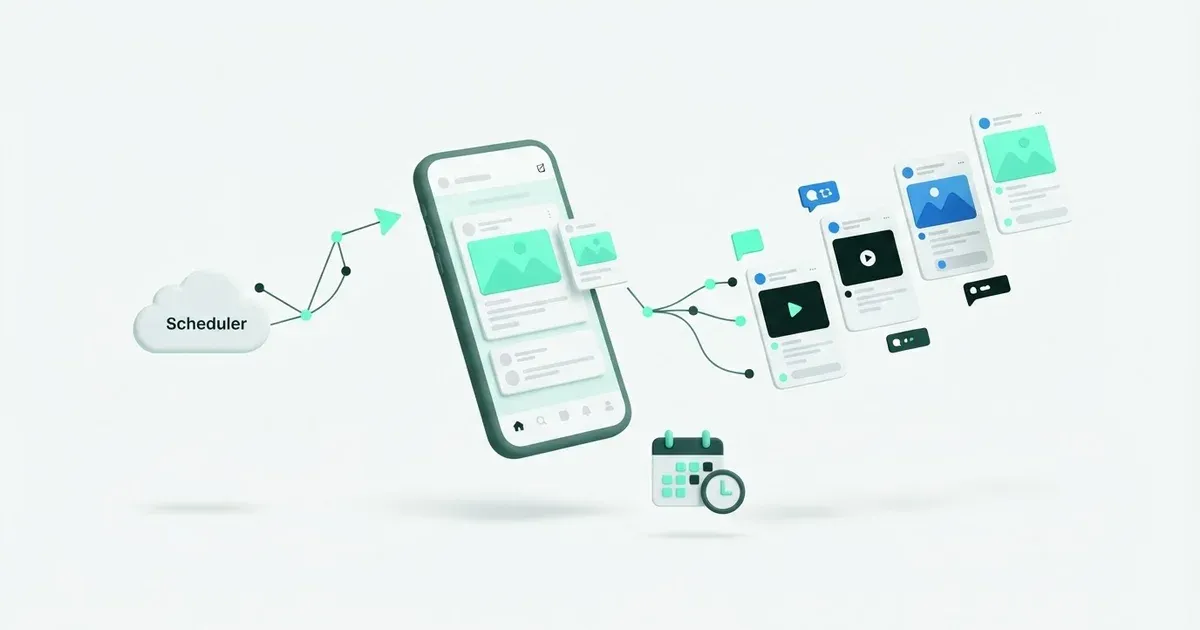
A question you want to ask on Friday doesn’t need a photo just to get on the calendar. You can draft it as a text post in Postbean, choose your Threads profile and pick a time when you’ll be around to read the replies. Bring an image or a clip when it helps readers understand the post. Leave it out when the opening line already does the job.
Connect Threads on its own
- Go to Connections and choose Threads. You don’t need to add Instagram to Postbean first.
- Sign in to the profile you want on the Threads authorization screen and approve access.
- Once you’re back in Postbean, confirm the handle. If you switch between work and personal profiles in your browser, check again when you select an account in the composer.
See it in the app
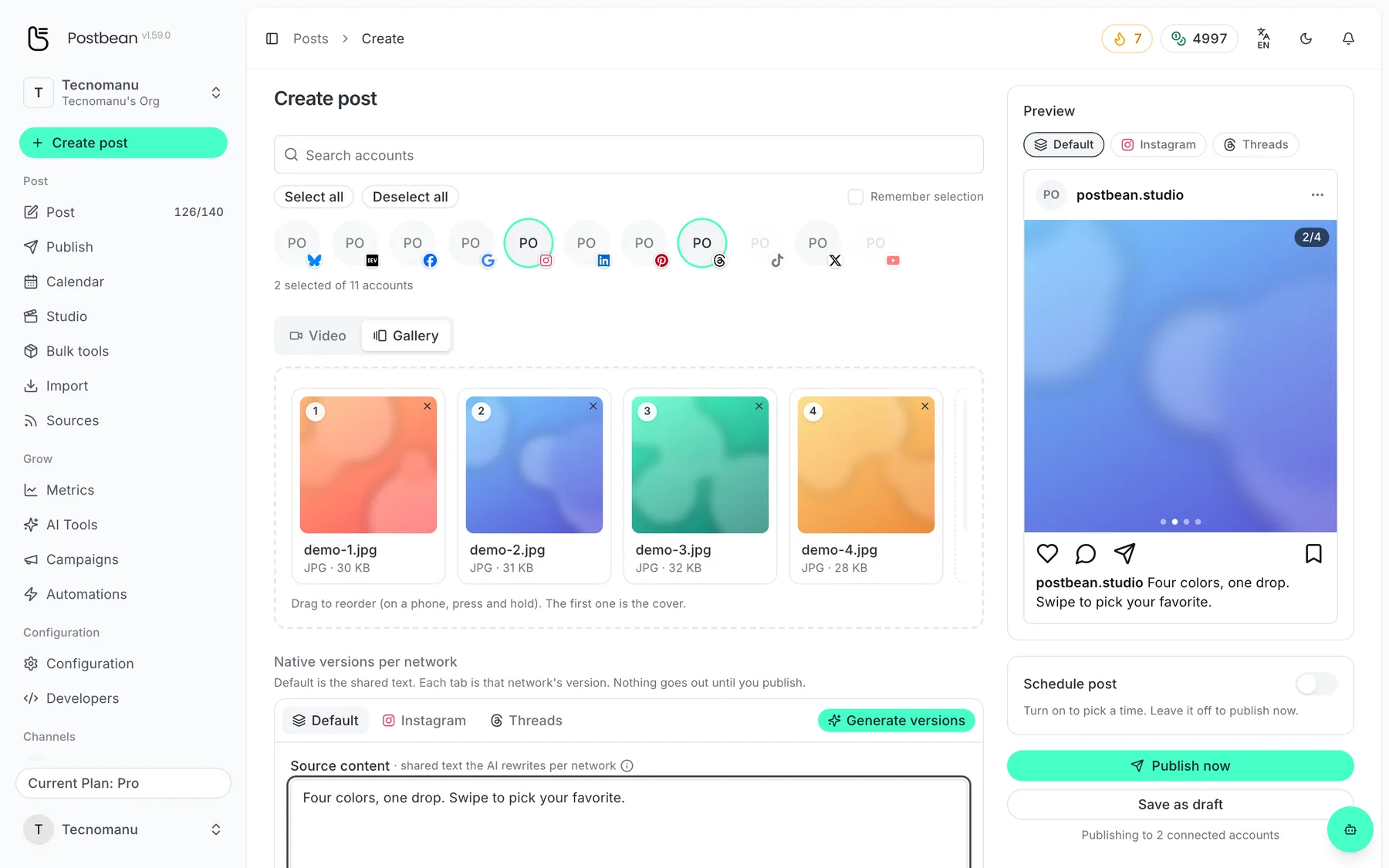
Drag to reorder: the first image is the cover.
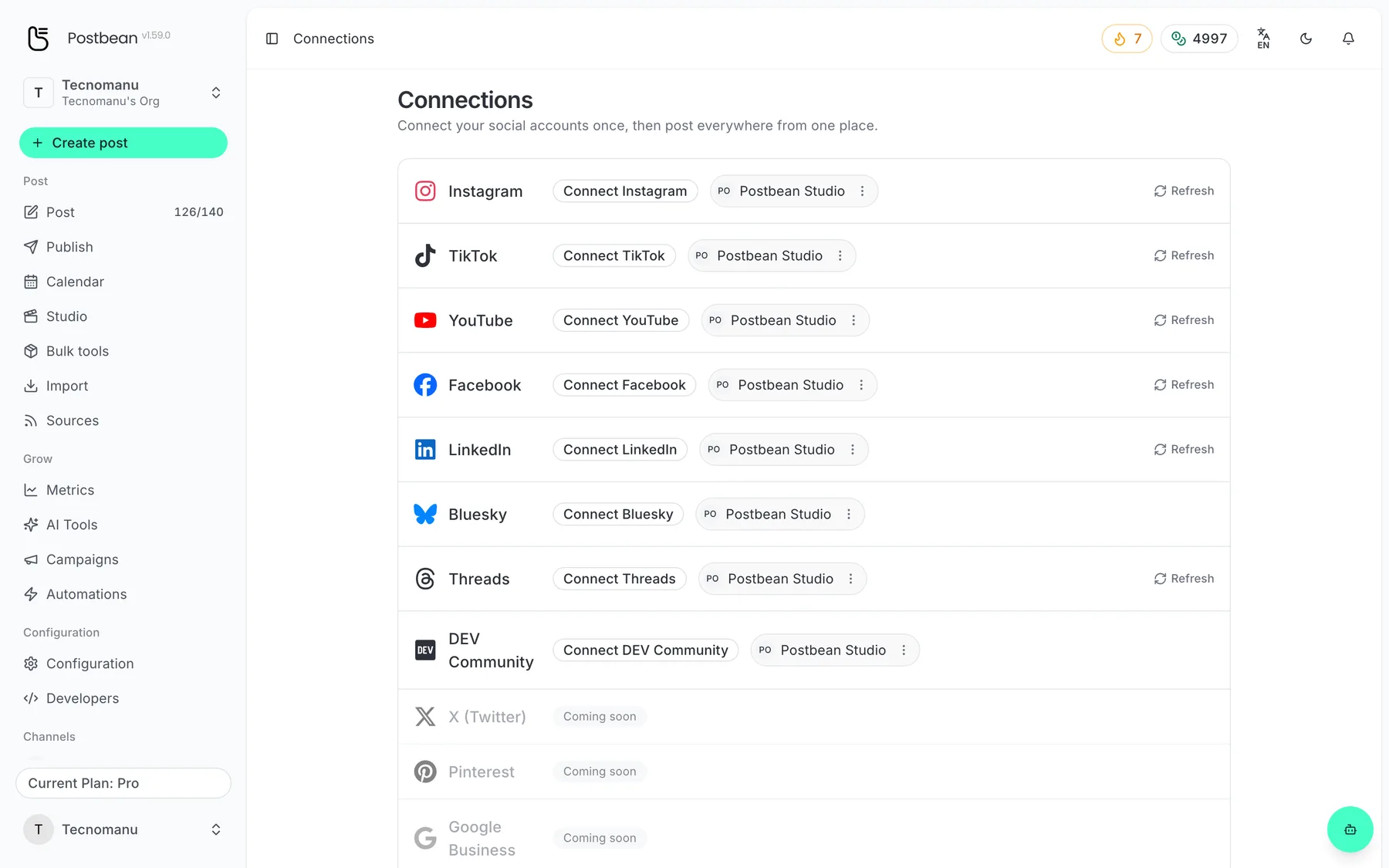
Connect each network once.
Every network in one list.
Write within 500 characters
Postbean checks Threads’ 500-character limit before scheduling. If your original draft is longer, keep it as the shared version and edit only the Threads caption in the composer. Say what happened or ask the question early. If your reader needs a fact to understand the post, keep it in the main text rather than assuming they’ll open the replies.
Threads also takes a single photo, a video, or a carousel with photos and videos. Postbean sends up to 20 carousel items in your chosen order. A carousel gives you room to show the stages of a project without turning each stage into its own post. If you’re sharing those files on Instagram as well, remember that Postbean sends at most 10 there. Put the essential images in the first 10 slots or make a separate draft if the two versions need different selections.
Decide who can reply before you schedule
The Threads settings in the composer let you leave reply access at the default or pick an audience. You can open replies to everyone or limit them, for example to accounts you follow, followers, or accounts mentioned in the post. Choose when you prepare the draft: Postbean sends that setting when it creates the Threads post, and doesn’t use it to change who can reply after publishing.
Use a first comment if you want to add one direct reply of up to 500 characters, such as a source for a figure in the opening post. Postbean attempts to send it after publishing the main post. This doesn’t schedule a chain where each message replies to the previous one. If you need to tell a longer story that way, schedule the opening in Postbean and finish the sequence in Threads when the post goes live.
Use the metrics to choose a follow-up
Postbean analytics is in beta. It reads views, likes and replies from Threads, and adds reposts and quotes together under shares. If you’re trying to start a conversation, read the replies before assuming a post with more views worked better.
Put the conversation on your calendar
Use the calendar to space out prompts that ask people to respond. Two questions in the same afternoon might make sense if they’re about different things; if the second follows from the first, give yourself time to read the responses before you decide what to ask next. For an announcement going to Facebook as well, per-network scheduling lets the Threads version go out when you’re available to follow up, even if the Page version has a different time.
After the post is due, open it in Postbean and check the Threads result. A first comment can fail separately, so if you planned to put a source there, check the live replies too.
For a recurring prompt, keep a few drafts without locking in dates. You might ask the first question on Friday, read the replies over the weekend, and rewrite the next one on Monday. That way the follow-up can respond to what people told you instead of repeating what was already in the queue.
If you’re deciding which text network to use, read Threads vs. Bluesky vs. X for brands. If you’ve chosen the networks and are weighing publishing tools, see Postbean vs. Typefully. To put your next question on the calendar, create a Postbean account.
Frequently asked questions
Do I need to connect Instagram before I connect Threads?
No. In Postbean, choose Threads in Connections and authorize your Threads profile directly.
Can I schedule several replies as a chain on Threads?
No. Postbean schedules a single post. You can prepare one optional first comment, which Postbean attempts to publish as a direct reply after the post goes live.
How many items can a Threads carousel contain?
Postbean sends the first 20 photos or videos from your draft, in the order you arranged them.