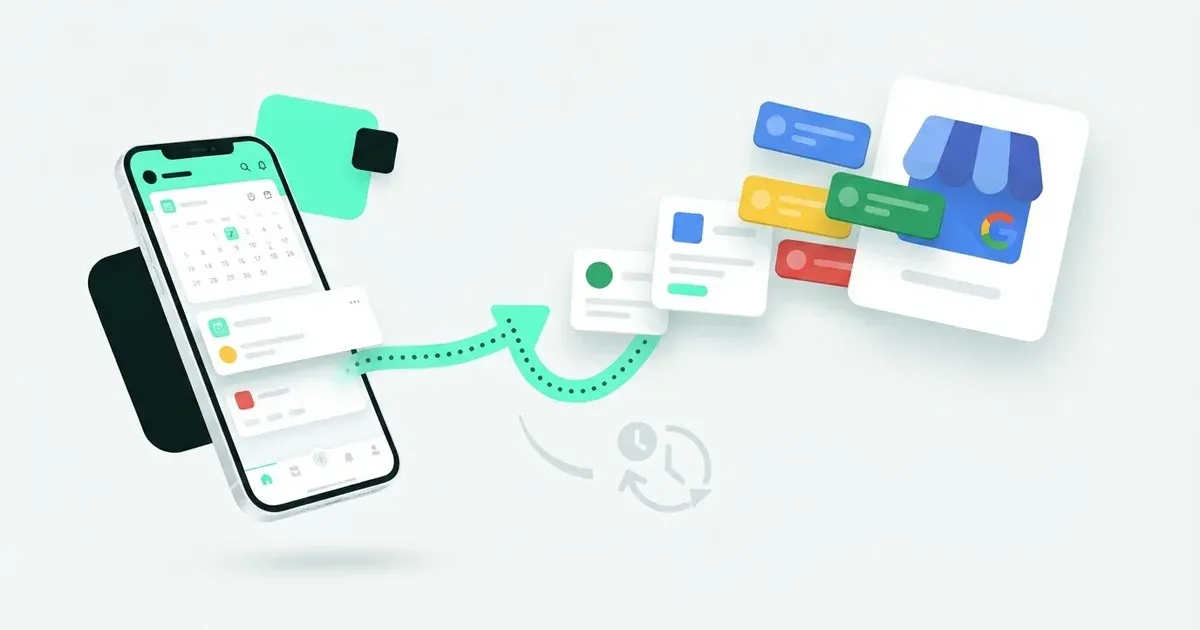
Coming soon. Google Business Profile isn’t connectable in Postbean. You can’t send location updates, offers, or events to it from the app. If customers need to see an announcement when they look up your business, publish it through Google. You can still use Postbean for companion posts on the channels you already connect.
Find the channel status in Postbean
Open Connections in your workspace and look for Google Business, the name Postbean uses for the channel. It appears with a Coming soon badge and no connect button. Check there before promising that a post will go out to a particular business location. Creating a Postbean workspace doesn’t make that channel available. If you coordinate promotions for two branches, note each location separately in the brief, even when both posts use the same photo.
What the platform entry means
Postbean defines Google Business as a platform, with a 1,500-character limit for the main text and no automatic first comment. It doesn’t register a Google Business provider for account authorization or publishing. The platform entry is a definition, not a working integration; the text limit doesn’t mean Postbean can send that text to Google. There is no live Google Business metrics sync in Postbean either.
If you look after multiple locations, keep Google access and publishing responsibility separate from the accounts you manage through Postbean. A status update for a scheduled social post can’t tell you whether the announcement made it onto a Google profile. Confirm that on the profile itself.
Write for someone deciding whether to visit
Google’s Business Profile overview describes how businesses can share news, offers, and events on Search and Maps. Pick the format that matches what visitors need. For a bike shop’s repair clinic, lead with the date and location. Tell people whether they need a reservation and what to bring. If you’re posting an offer instead, check that the dates and terms agree with the page people land on and with what staff will tell them.
When the shop’s opening hours change, review the profile’s hours separately. An announcement explaining why you’re closing early isn’t a substitute for updating the hours customers look up before leaving home. The same principle applies to the address: a post about a move can explain the change, but verify the address shown on the profile itself.
Publish in Google; schedule companion posts in Postbean
Start in your Google Business Profile on Search or Maps, using the account that manages that business. Before posting, check the location name and address. You don’t want a weekend event for one branch showing up under another. Create the post there and review how it appears once it’s visible. If the update contains a booking link, test the destination from a phone as well as a desktop.
For the social versions, use the Postbean composer. An Instagram post might show what happens during the clinic, while a Facebook Page post can explain where to park. Set the timing for those connected accounts in the calendar. Keep a separate checklist item for whoever publishes the Google update, including which location to check and when. Mark it complete only after checking Google, even if the other posts have already gone out.
If you’re doing this without a marketing team, the guide to social media for a small business in 30 minutes a week can help you decide what to prepare in one sitting. If publishing to Google from a scheduler is essential, compare Postbean and Metricool before choosing a tool. Or create a Postbean account to schedule for the channels you can connect now, and keep Google updates with the person who manages your profile.
Frequently asked questions
Can I connect a Google Business Profile to Postbean?
No. Google Business is marked Coming soon in Connections and has no connect button.
Does Postbean publish updates or sync metrics from Google Business Profile?
No. Postbean has no registered authorization or publishing provider for Google Business, and it doesn't sync its live metrics.
Where should I post offers or events for my business now?
Manage posts directly from your Google Business Profile on Google Search or Maps.